I’ve been using Things as my task manager since 2018. I love this beautifully designed app. One universal gripe from Things users: make it easy to complete or reschedule recurring tasks before they’re due. That was solved today. And of course the UX is genius. Well done, Cultured Code!
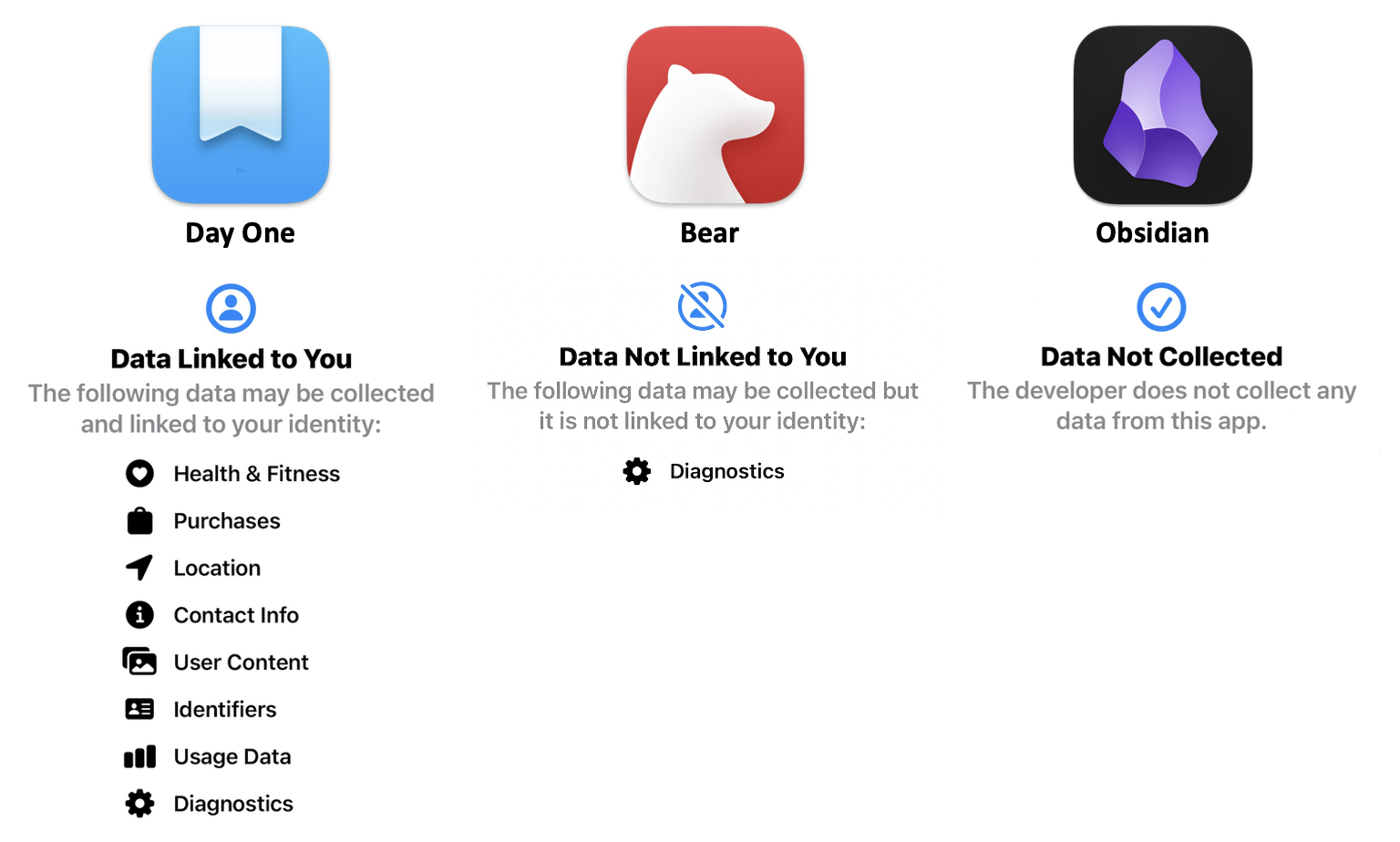
Day One is doubling down on AI journaling. I’ve written thousands of entries in Day One, but despite the assurances of privacy, I’m not enabling any of these features. Not yet.
AI features in Gold are entirely optional. If you don’t enable AI features or engage them, they don’t touch your entries. When you do use them, your content is processed only in that moment and is never used to train AI models. The privacy principles Day One is known for haven’t changed.
These are the Wild West days of AI. Think carefully before you turn over even more of your most private thoughts.
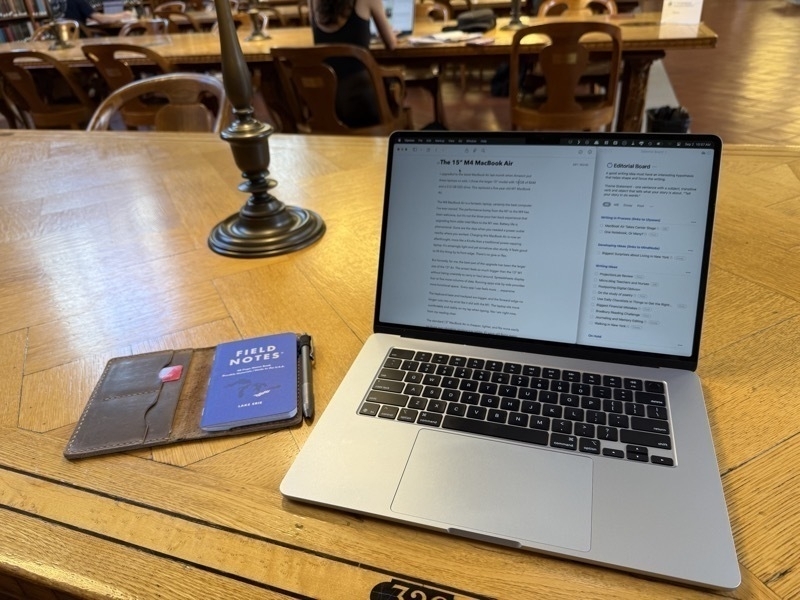
I upgraded to the M4 MacBook Air last month during one of Amazon’s big sales. I chose the larger 15” model with 16 GB of RAM and a 512 GB SSD drive. This replaced a five-year-old 13” M1 MacBook Air with the same size drive but a miserly 8 GB of RAM.
This MacBook Air is a fantastic laptop, and certainly the best computer I’ve ever owned. The performance bump from the M1 to the M4 has been nice, but it’s not the blow-your-hair-back experience that upgrading from older Intel Macs to the M1 was. Some of the boost is likely due to having more RAM. On both the M1 and M4, battery life is phenomenal. Gone are the days when you needed a power outlet nearby where you worked. Charging this MacBook Air is now an afterthought, more like a Kindle than a traditional power-sapping laptop. It’s amazingly light yet sturdy. It feels good to lift this thing by its front edge. There’s no give or flex.
The Kobo-Instapaper integration has officially launched, replacing the now defunct Pocket app for reading articles on the ereader. I’m curious to know if highlights made on Kobo sync back to Instapaper (and thus to Readwise). If so, this could be the tipping point for this long-time Kindle owner.
Bear is a fantastic notes app if you're on Mac and iOS. I use it for my reading notes, commonplace book and linked backup of my Day One journal. I wrote a post about Bear last year, but this video does a great job of showcasing its features if you're curious.
Apple is launching a new product this week — probably an iPhone SE. But what if they unveil an e-reader and a subscription reading service? Books are in the cross-hairs of the intersection between arts and technology. Amazon and e-readers are ripe for Apple-style disruption. A man can dream!
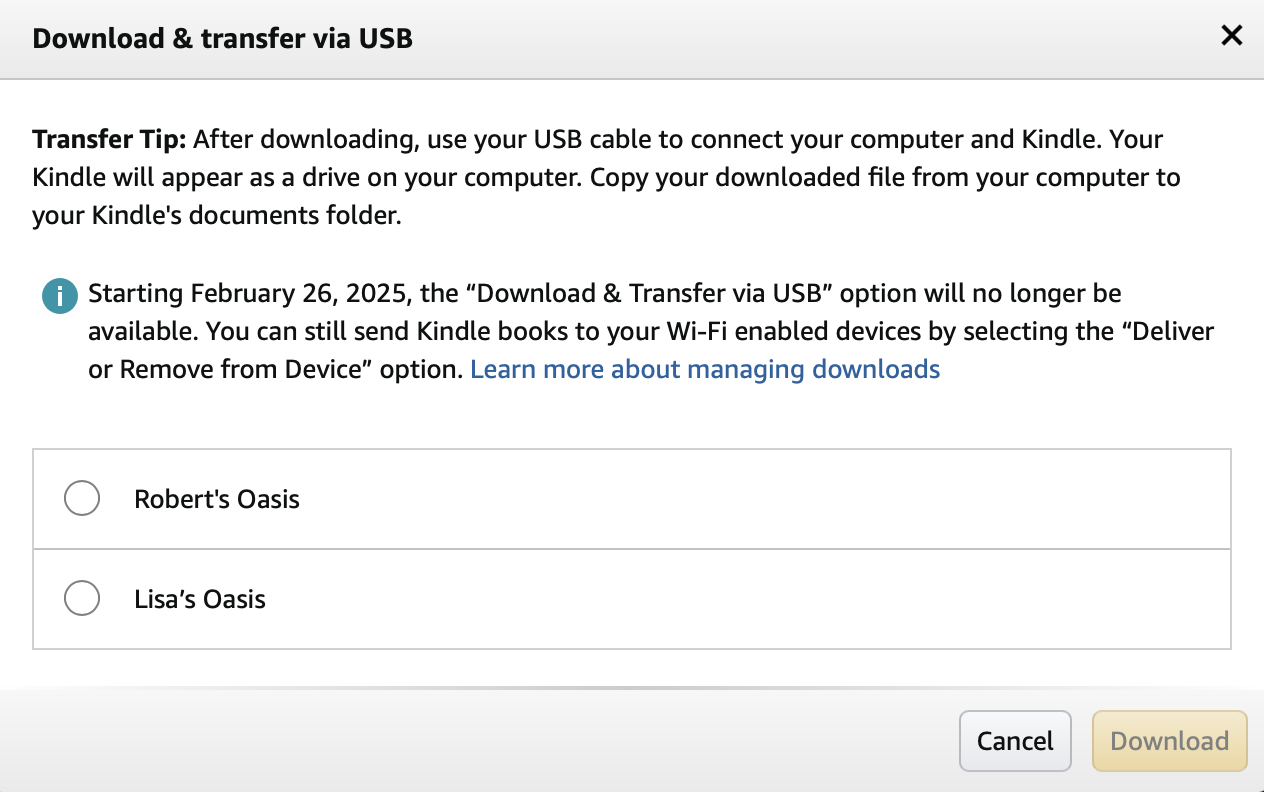
I love my Kindle Oasis, but Amazon is sure making it hard to stay loyal. Maybe Kobo will save the day and release an updated black and white e-reader to replace its discontinued Libra 2. This should be the golden age for e-reader innovation. Kobo? Apple? Sony? Anyone?
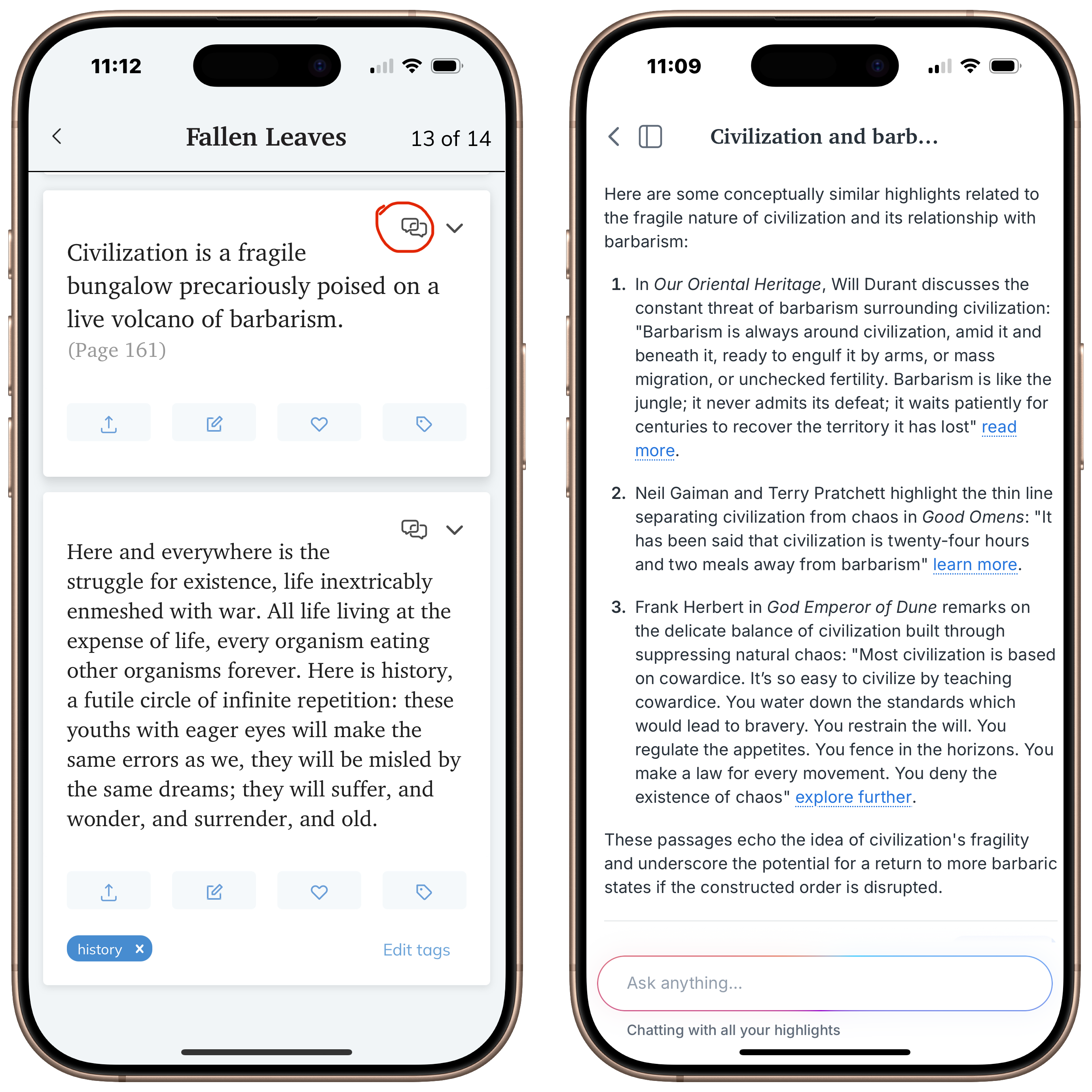
Incredible update to the Readwise app today. You can now “chat” with your highlights, which uses AI to find connections you probably overlooked or forgot from your reading. Since it only draws from the highlights you saved, the results are astonishingly personal. This is my kind of AI! 💙📚
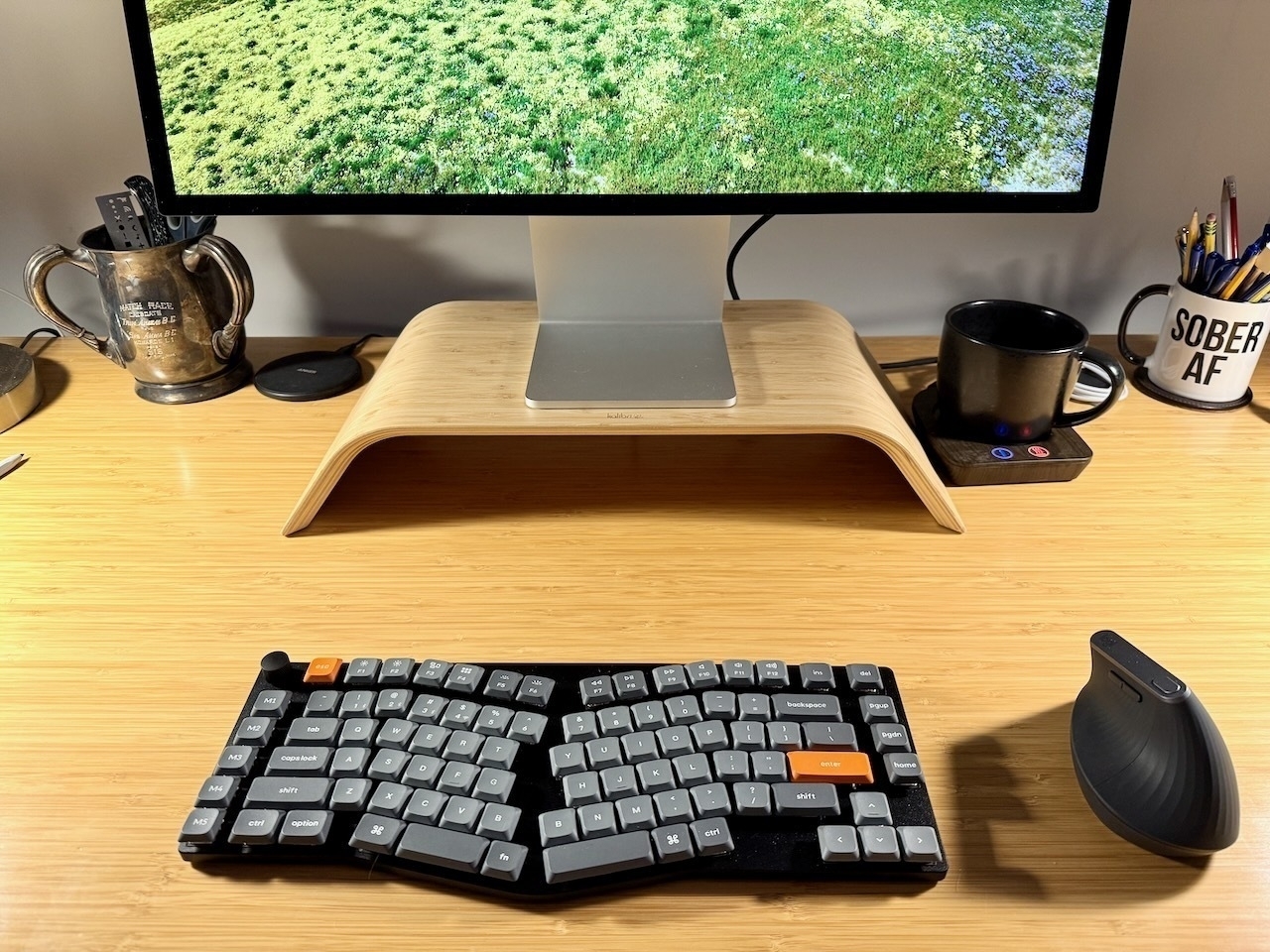
Wrist pain prompted me to set aside my Magic keyboard and Mighty Mouse for more ergonomic options. Enter the KeyChron K15 Max Alice mechanical keyboard and a Logitech vertical mouse. I love the clicky keyboard and more comfortable layout, but sheesh, it’s hard for this old dog to learn a new trick.
For fun, I asked ChatGPT to create a cover image for an essay I wrote. The essay mentions old books and a Kindle: note the hybrid book/eReader lit by candlelight, and how the leather wing chair barricades the door. “Don’t bother me, I’m reading,” it seems to suggest. ❤️❤️❤️
I’m currently reading the classic David Copperfield by Charles Dickens 📚 for the first time. I’m reading it on my Kindle with an add-on $3 splurge of the Audible audiobook. I experimented with WhisperSync many years ago when it was first released and found it buggy. For such a low fee, I thought I would give it another try.
I went from reading last night on my Kindle to listening this morning in the car, to reading again in a waiting room, to listening once more as I did chores. Never once did I lose my place.
I’ve been evaluating Bear 2 to replace Craft for my reading notes and quasi-Zettelkasten for the past few weeks. I’ve used Craft for over three years, but that tool has morphed into a team note-taking and document-sharing platform that doesn’t mesh well with my needs anymore.
My initial impressions of Bear have been quite positive. Here is an app with a calming, minimalist design, yet in many ways, has more power and capabilities than Craft. And best of all, it intuitively works like you’d expect. Like a Mac app.